

Your tools used to wait for instructions. Now they guess what you want, then act. That can feel like magic, right up to the moment it changes the wrong word, reroutes you through a sketchy street, or turns the heat down while you are still home.
This is the core tension in balancing human intent with machine autonomy. Human intent is your goal and your values (comfort, safety, privacy, budget). Machine autonomy is the tool taking steps without asking every time.
You see it in autocorrect, smart thermostats, navigation reroutes, autoplay queues, email reply suggestions, and even in platforms where businesses source tools through hubs like the DesignRush B2B marketplace. The fix is not to turn everything off. It is to decide what should run on auto, what should ask, and what should never act at all.
What good autonomy looks like in everyday tools
Good autonomy feels like a helpful assistant in the passenger seat, not someone grabbing the wheel. It handles busy work, surfaces good options, and stays easy to correct. Most importantly, it respects your preferences even when they are slower or less “optimal.”
61% of adults have used AI in the last 6 months. In early 2026, this is showing up as more “agentic” assistants, tools that can plan and complete multi-step tasks.
Recent updates to Siri and Google Assistant have leaned into this with multi-agent behavior, where one part checks your calendar while another prepares the next action, often with an approval step before anything major happens. That pattern is the right direction: action, but with boundaries.
Meanwhile, smart home tools keep getting better at supervised autonomy, whether that means adjusting lighting, temperature, or media behavior in the living room without constant manual input.
Autopilot vs. co-pilot, why the difference matters
A co-pilot suggests and waits. An autopilot acts and tells you after.
Co-pilot fits everyday tasks where you still want judgment. Think of meeting scheduling suggestions that offer three time slots, or an email assistant that drafts a reply and highlights questions it could answer for you. You stay in charge, but you type less.
Autopilot fits routine, low-stakes actions. Autoplay picking the next episode is annoying sometimes, but it rarely causes real harm. A thermostat nudging the temperature a degree while you sleep can be fine, as long as it learns when to stop.
The trouble starts when a tool behaves like an autopilot in a co-pilot situation. Auto-sending messages, changing shared calendars, or posting on social media without a clear approval step can create mess fast. Agentic assistants make this more likely because they can chain actions together.
The three levels of control most people actually want
Most of us want the same simple menu of control, even across different devices. Here is a framework you can reuse:
| Control level | What it means | Everyday examples |
| Suggest only | It recommends, you decide | Autocorrect suggestions, route options, shopping recommendations |
| Act with approval | It prepares the action, you confirm | Send email drafts, add calendar events, start a smart home routine |
| Act automatically | It acts on its own, but only for low-risk tasks | Adjust thermostat in a small range, filter spam, reorder a routine item within a tight budget |
Where autonomy goes wrong, and how to spot it early
When machine autonomy feels bad, it is usually for one of four reasons: you lost control, you got nudged, it made a safety mistake, or nobody can explain what happened. The worst part is that these failures often arrive quietly, one small surprise at a time.
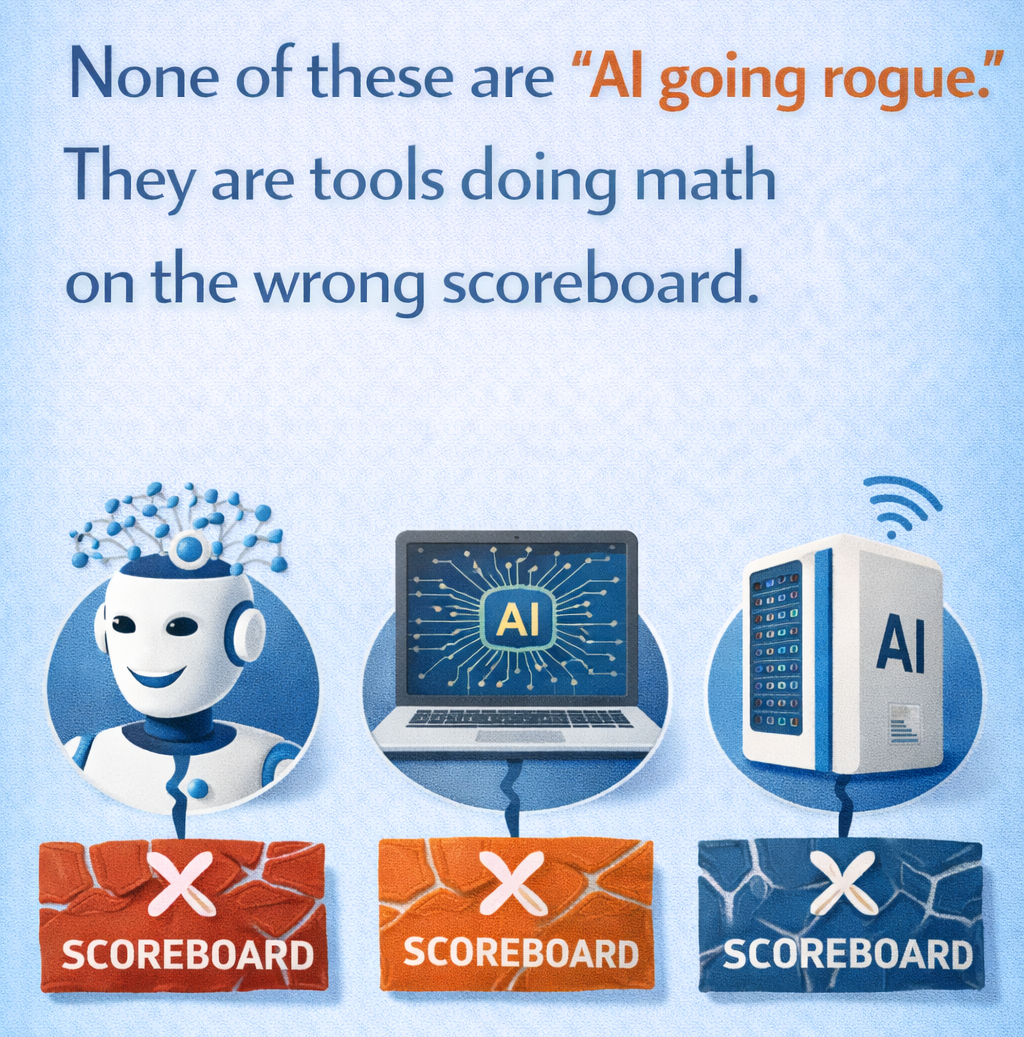
Why does it happen? Many tools optimize for what they can measure. Speed, clicks, cost, time-in-app, lowest price, fastest route. Those are easy numbers. Your real intent is harder to measure, but it matters more.
So the early warning signs are not always dramatic. Watch for small patterns: settings that reset, defaults that creep back on, “smart” features that get louder over time, or actions that happen without a clear “yes.”
When the tool optimizes the wrong goal
Goal drift is simple: the system chases a goal you did not mean.
A recommender feed may optimize for watch time, even if you wanted calmer evenings, and workplace tools can push toward toxic productivity by rewarding constant output instead of sustainable focus.
A navigation app may optimize for the fastest route, even if you care more about well-lit roads. Smart home routines can optimize for energy savings, then make the house feel like a cave because they dim lights too aggressively. Autocorrect can optimize for common phrases and still change your meaning.
Hidden automation problems, surprises, overrides, and blame
Some automation problems are not about the decision. They are about the handoff.
Surprises often come from buried settings, unclear permissions, or silent mode changes. Driver-assist features can also create messy moments when the car expects you to take over, but does not communicate it well. In smart homes, security modes and lock routines can clash, especially when multiple people use the same system.
When something goes wrong, people ask one question: “Who did this?” Tools that keep a simple log, plus a plain-English “why did you do that?” explanation, earn trust faster.